










































Safeguarding your WordPress website from vulnerabilities is not a luxury; it is a necessity. WordPress is the mastermind behind 40% of the sites on the internet. Therefore, WordPress has become a prime target for hackers and other cyber goons in recent years.
While plugins and themes provide users with utmost flexibility and functionality, they are sometimes prone to data breaches, malware, and other threats.
Using a reliable WordPress website security scanner is an excellent option. This solution not only safeguards sites against hacking and other security risks but also helps site owners keep their data protected at all times.
This blog post will describe what a WordPress website security scanner is. Additionally, it will discuss different website security scanners.
What is a WordPress Website Security Scanner?

As an incredible website security tool, a WordPress vulnerability scanner helps proactively identify security vulnerabilities in WordPress sites. These flaws typically reside in custom code, installed themes or plugins, or in the core platform.
Regarding the conventional scanners, they usually depend on known security databases or static checks. Besides, they can likely overlook context-sensitive issues and may not detect vulnerabilities in dynamic, complex environments.
Why Do You Need a WordPress Website Security Scanner?
Unfortunately, hackers take advantage of various tricks when hampering a site’s security. Therefore, you need a powerful WordPress website security scanner to safeguard your sites against hackers and malware.
Additionally, a WordPress site scanner helps protect your site against malware. This is because hackers can insert malware on your site via affected plugins, themes, or external attacks. Similarly, security scanners make sure their sites are up to date by checking the status of plugins, themes, and core files.
In short, a security scanner comprehensively scans WordPress website security, recommending a wide range of possible measures and solutions to enhance a site’s security.
5 Best WordPress Website Security Scanners You Should Know
This section will discuss the best WordPress website security scanners in detail. These online website security solutions allow site owners to identify potential security issues before they pose a real threat to WordPress sites’ security.
1. Patchstack

Patchstack is a specialized WordPress security tool that concentrates on proactive vulnerability detection and mitigation, specifically within themes and plugins.
It helps safeguard WordPress websites by proactively detecting potential issues and blocking attacks before they result in severe damage.
Besides, Patchstack users receive a 48-hour early warning and virtual patching, allowing them to protect their sites from vulnerabilities 48 hours before the public is alerted. More importantly, Patchstack will defend users’ sites against possible threats if the plugin developer has not released a patch.
Key Features
- Implements rapid mitigation rules to block exploits without disturbing website functionality or changing plugin code.
- Offers vulnerability patches and protection for up to 48 hours.
- Provides users with security hardening configuration and remote software updates across managed sites.
2. Wordfence Security

Wordfence Security is a trusted name in WordPress protection. The best thing about this website security solution is that it delights customers with a renowned security plugin and an impactful threat intelligence platform called Wordfence Intelligence.
This platform serves as a crucial component of their vulnerability management strategy, offering a comprehensive and actively maintained database explicitly focused on WordPress core, theme, and plugin vulnerabilities.
Key Features
- Provides instant susceptibility notifications via Discord, Slack, or custom HTTP integrations, without any cost.
- Showcases top attacking IPs, real-time attack data, trends, and targeted vulnerabilities across their network.
- The vulnerability database can be utilized for high-performance, server-level scanning via the command line.
3. Sucuri
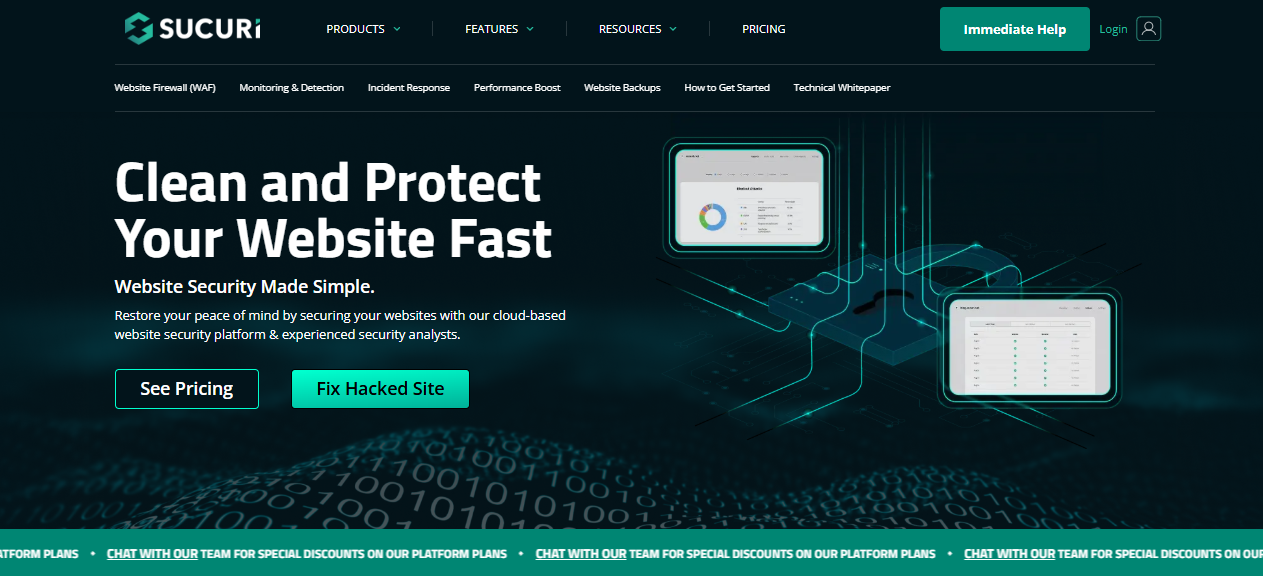
Sucuri provides users with a powerful website security platform that focuses on malware removal, incident response, and continuing protection. The popular site security solution markets itself as a full-fledged security partner by offering an immaculate cleanup service along with a bunch of helpful protection measures, such as WAF (Web Application Firewall) and performance enhancements through its CDN (Content Delivery Network).
Apart from this, users can benefit from its guaranteed malware removal service, offered by its security team 24/7.
Key Features
- Security experts offer unlimited cleanups within the plan duration, with fluctuating response time SLAs.
- Comprises a global CDN with caching options to enhance website availability and speed.
- Offers regular scanning for malware, blocklist status, and SSL certificate issues.
4. WPScan
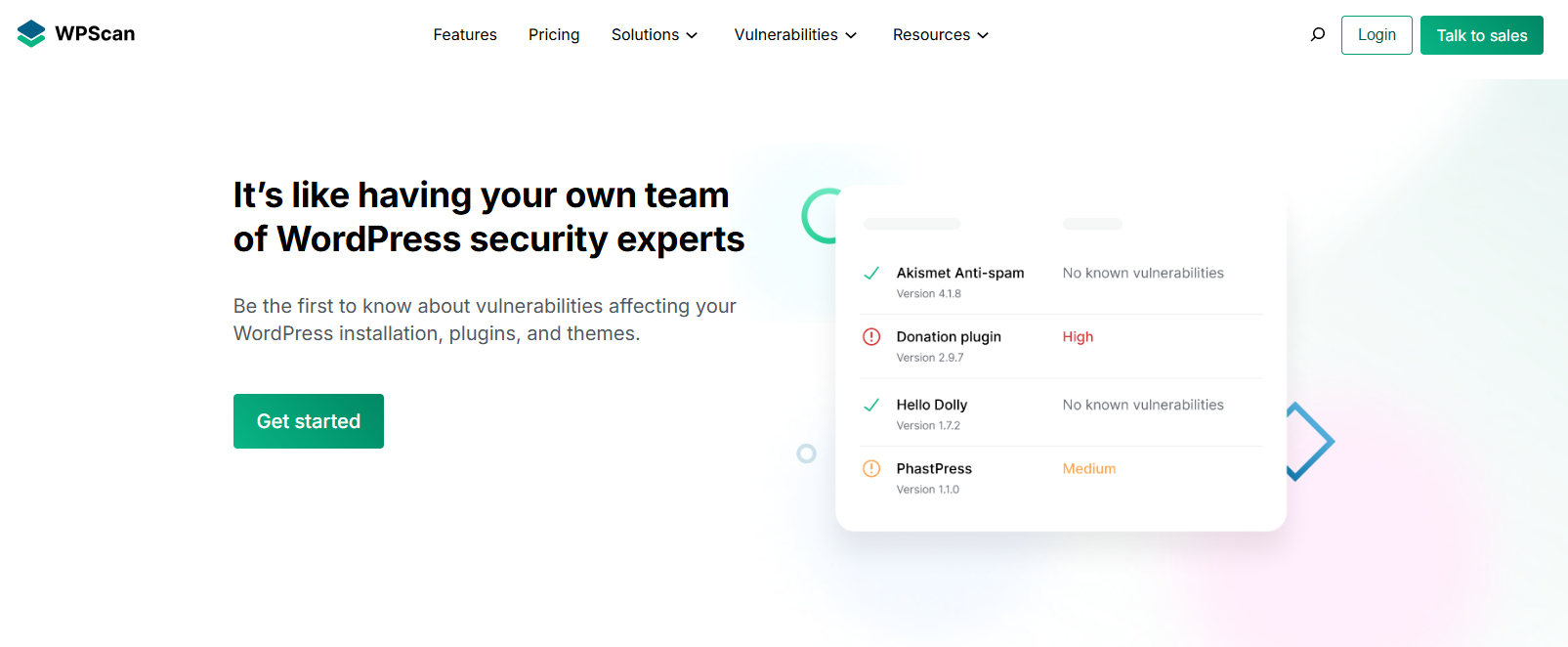
WPScan is undoubtedly considered a reliable name in WordPress security. The famous site security solution helps users in detecting vulnerabilities within WordPress core, themes, and plugins.
This impressive WordPress security solution helps maintain one of the most widespread and meticulously curated vulnerability databases, constantly updated by dedicated security professionals.
This database has various useful tools and integrations that provide timely and accurate threat information.
Key Features
- Comprises over 60,000 WordPress core, plugin, and theme vulnerabilities.
- Experienced WordPress security experts review and verify all vulnerability data.
- The database is regularly updated as new threats and vulnerabilities are discovered.
5. MalCare
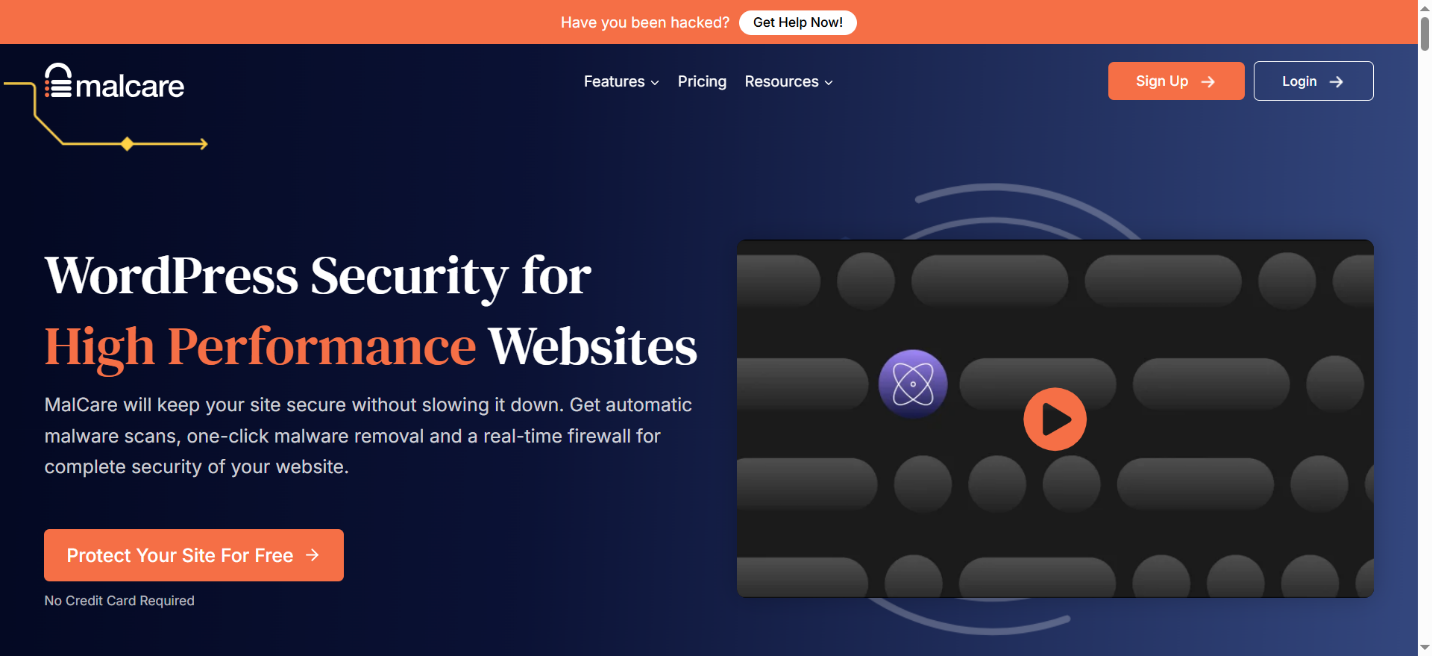
MalCare is another incredible website security tool that amalgamates vulnerability scanning with malware detection and removal. The good thing about MalCare is that it monitors users’ plugins and themes regularly, notifying them about potential threats from compromised or outdated components.
Through its “Safe Updates” feature, website owners can reduce the risk of site issues when they implement patches, keeping their sites secure.
Key Features
- The system regularly conducts automatic checks against a maintained database of known vulnerabilities.
- Alerts users on time through an email when a susceptible plugin or theme is identified on their sites.
- This tool provides an option to automatically update vulnerable plugins while conducting visual regression tests, ensuring website stability.
How to Use a WordPress Website Security Scanner?
As expressed earlier, utilizing a WordPress vulnerability scanner helps protect sites. However, it can be challenging if you have not used it on your website before. For your ease, we explain the entire installation process.
- Install and activate the security scanner plugin.
- Go to WordPress Dashboard > Plugins > Add New.
- Search for the desired plugin.
- Press Install Now and hit Activate.
- Now, run the security scan after enabling the plugin.
- Examine the results to confirm if your site is secure.
You must take action if the plugin recommends resolving the issue, such as updating themes and plugins, activating additional security features like two-factor authentication, removing malicious code, or changing passwords.
Importance of WordPress Security Scanner
Using a powerful WordPress security scanner, site owners can effectively protect their sites from various cyber risks.
There is no harm in making it a practice to conduct an online security scan and continuously improve the site’s security measures. In fact, it is mandatory to carry out such practices regularly.
How Often Should I Scan Our WordPress Websites?
You should scan your WordPress website to safeguard against different security threats. If you cannot monitor your site daily, you should opt for at least weekly scans. Regular scans keep WordPress e-commerce websites secure by reducing risk exposure between checks.
Can Vulnerability Scanners Prevent Attacks?
As for vulnerability scanners, they help identify weaknesses in the first place. They typically notify users through an early warning. If you want to safeguard your site against numerous security attacks, you should carefully check the scan results.
Once you receive the scan results, you should perform various measures such as using firewalls, patching vulnerabilities, and maintaining secure configurations on trustworthy hosting.
What Should We Do If a Vulnerability is Found?
If a vulnerability is detected, you should assess its severity and attempt to follow the recommended solution or fix. For instance, you can update the WordPress core files, plugins, or update the affected theme. You should implement the patch and scan again to see if the issue has been resolved.
What Does this Phrase Scan WordPress Website Security Mean?
The phrase “Scan WordPress Website Security” suggests that you should scan your WordPress website to identify existing or potential security issues. In this scenario, you can utilize multiple tools such as security plugins and online vulnerability scanners, among others.
How Do Vulnerability Scanners Work Differently from Malware Scanners?
As far as vulnerability scanners are concerned, they proactively detect potential weaknesses that hackers may exploit, including configuration flaws or outdated plugins.
Malware scanners search for prevalent malicious infections or code that has already affected a user’s site. However, these website security tools help site owners efficiently address various stages of security risks.
Wrapping Up
Securing your WordPress site from unwanted security threats and risks is an ongoing process. Hackers typically look out for new vulnerabilities, so continual website security checks are indispensable in this situation.
Once website owners conduct a WordPress malware scan, they can detect threats that can trigger multiple security issues later on. A site malware search allows them to discover unknown or unseen security risks, including malicious code, backdoors, or SEO spam.
And what’s more, activate two-factor authentication, apply robust passwords, and install a firewall to prevent unauthorized access.